Press Kit
Covering PeakHour
Everything you need to write about PeakHour 6 — descriptions, hi-res assets, screenshots, and company details. Use anything here freely in your coverage.
Fast facts
- What
- PeakHour is an AI-powered network monitor for macOS that shows you — in real time — exactly what your internet is doing, from your Mac to your router to your ISP.
- Pricing & availability
- Available worldwide, exclusively on the Mac App Store. Free to download with a trial. Requires macOS 14.6 Sonoma or later; Universal Binary for Apple Silicon and Intel.
- Annual subscription: $19.99/year ($15.99/year for PeakHour 4 users)
- Lifetime license: $59.99 one-time ($47.99 for PeakHour 4 users)
- Publisher
- Digitician Inc.
About PeakHour
Short
PeakHour is an AI-powered network monitor for macOS that shows you — in real time — exactly what your internet is doing, from your Mac to your router to your ISP.
Medium
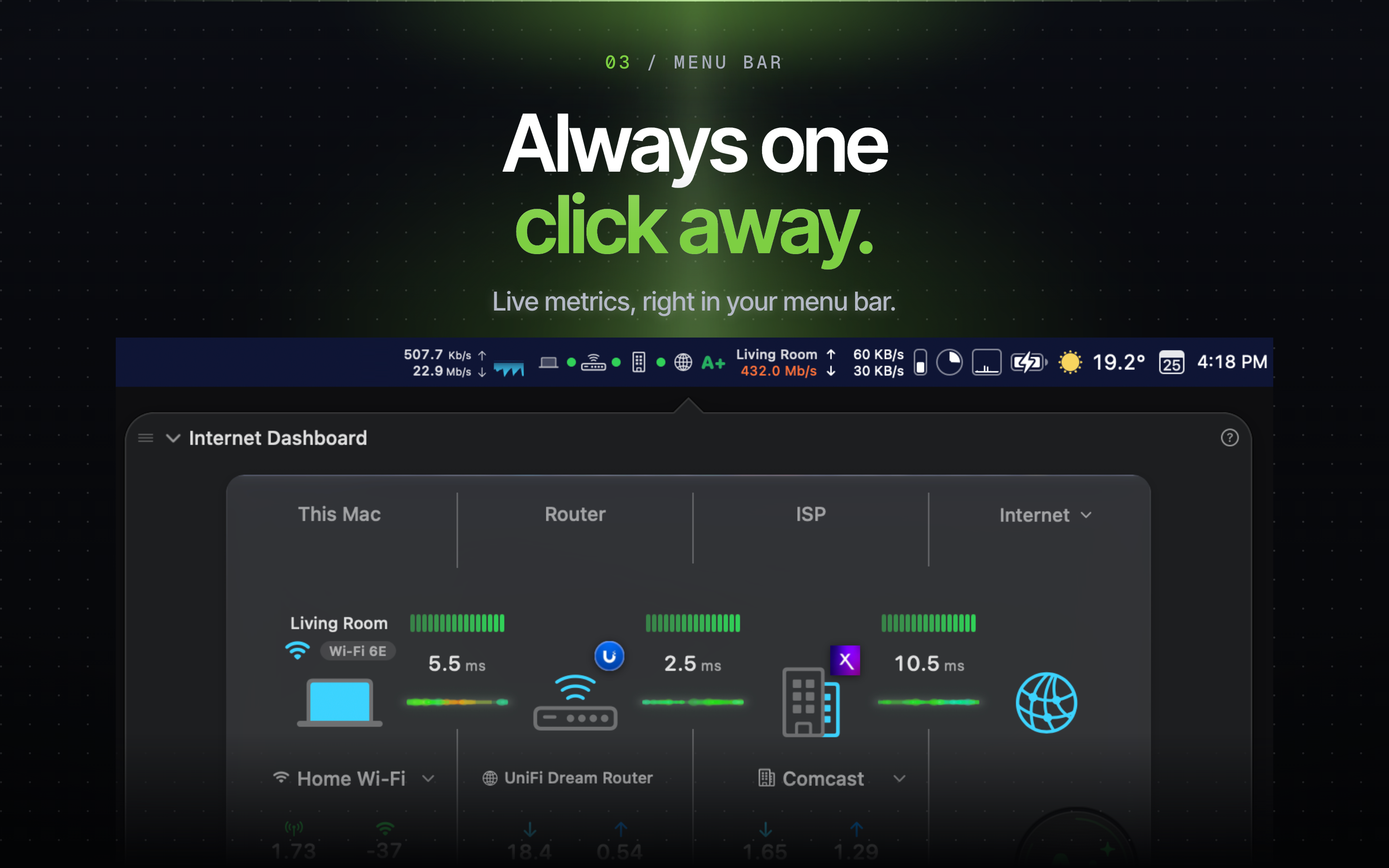
PeakHour 6 is a real-time network monitoring app for macOS that lives in your menu bar and gives you a complete picture of your internet connection. Its dashboard visualizes the entire path from your Mac through your Wi-Fi and router to your ISP and the internet sites you choose, while the PeakHour Advisor explains problems in plain language. Bandwidth, latency, packet loss, Wi-Fi signal quality, outage history, and speed tests are all tracked continuously — so when the internet feels slow, PeakHour can tell you what, where, and why.
Long
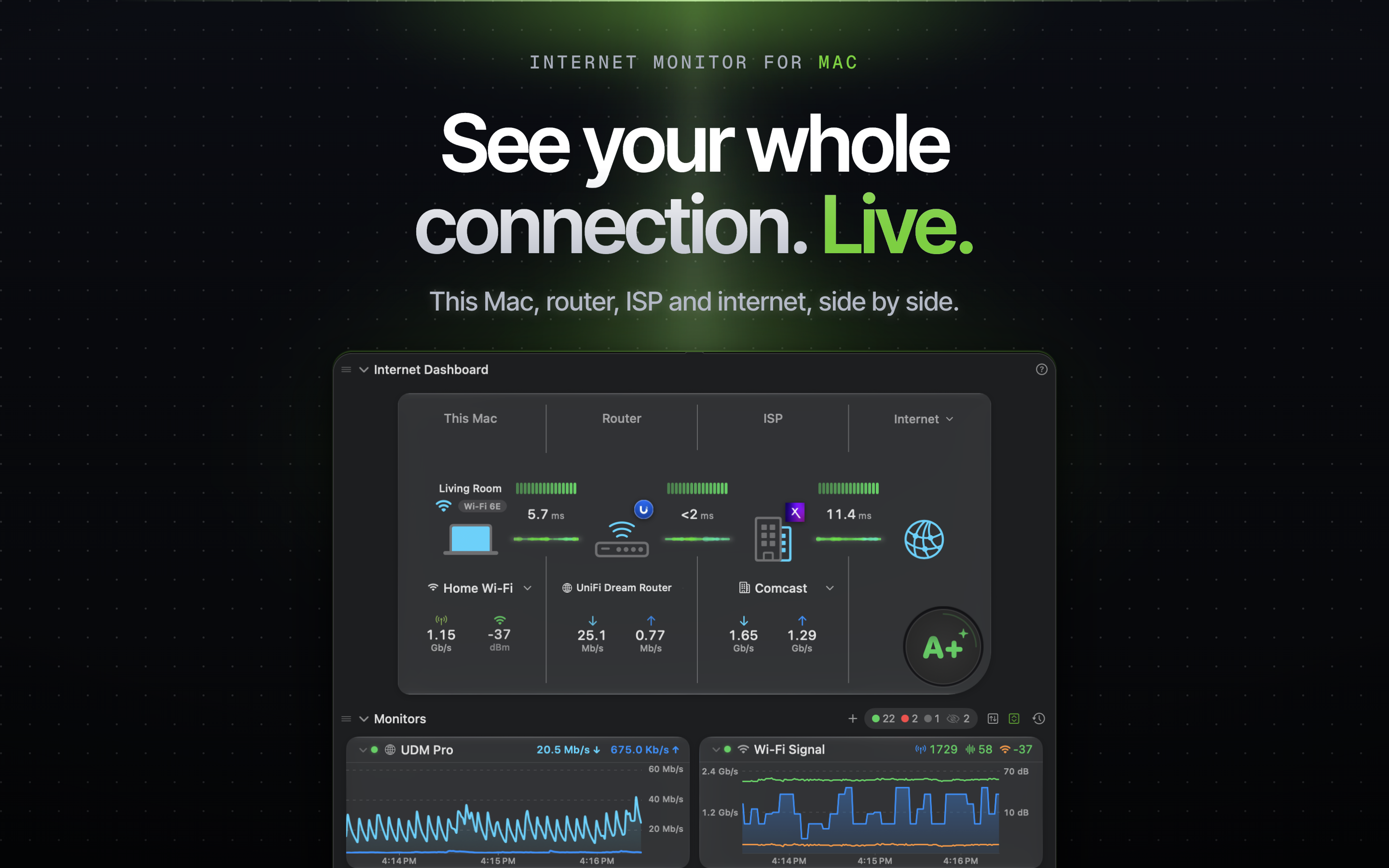
PeakHour 6 is a ground-up reimagining of the network monitoring app Mac users have relied on for years. At its heart is a Liquid Glass dashboard that visualizes your entire connection as a living chain — This Mac, Wi-Fi, router, ISP, and the internet beyond — with per-hop health, latency, and throughput updated in real time.
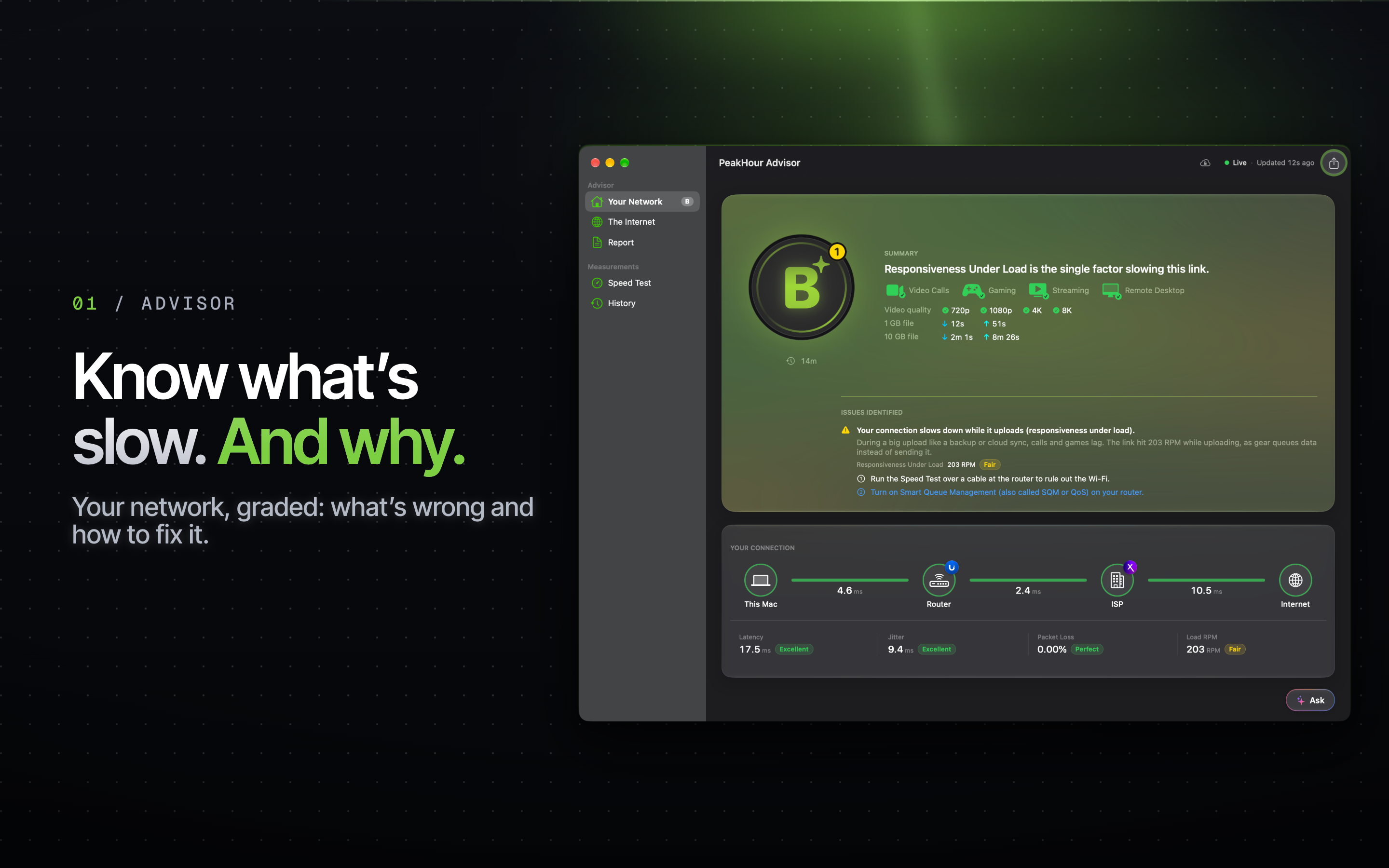
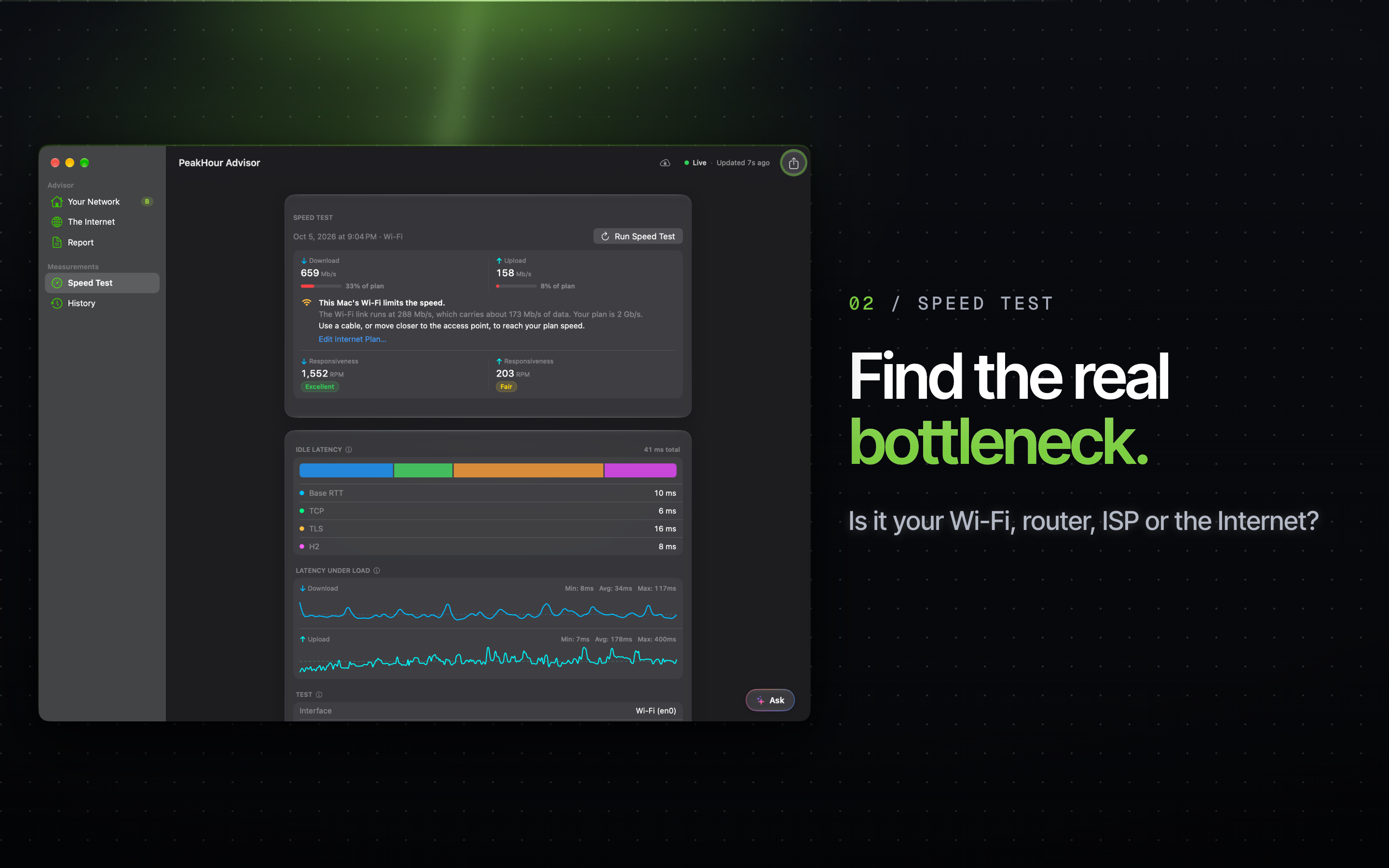
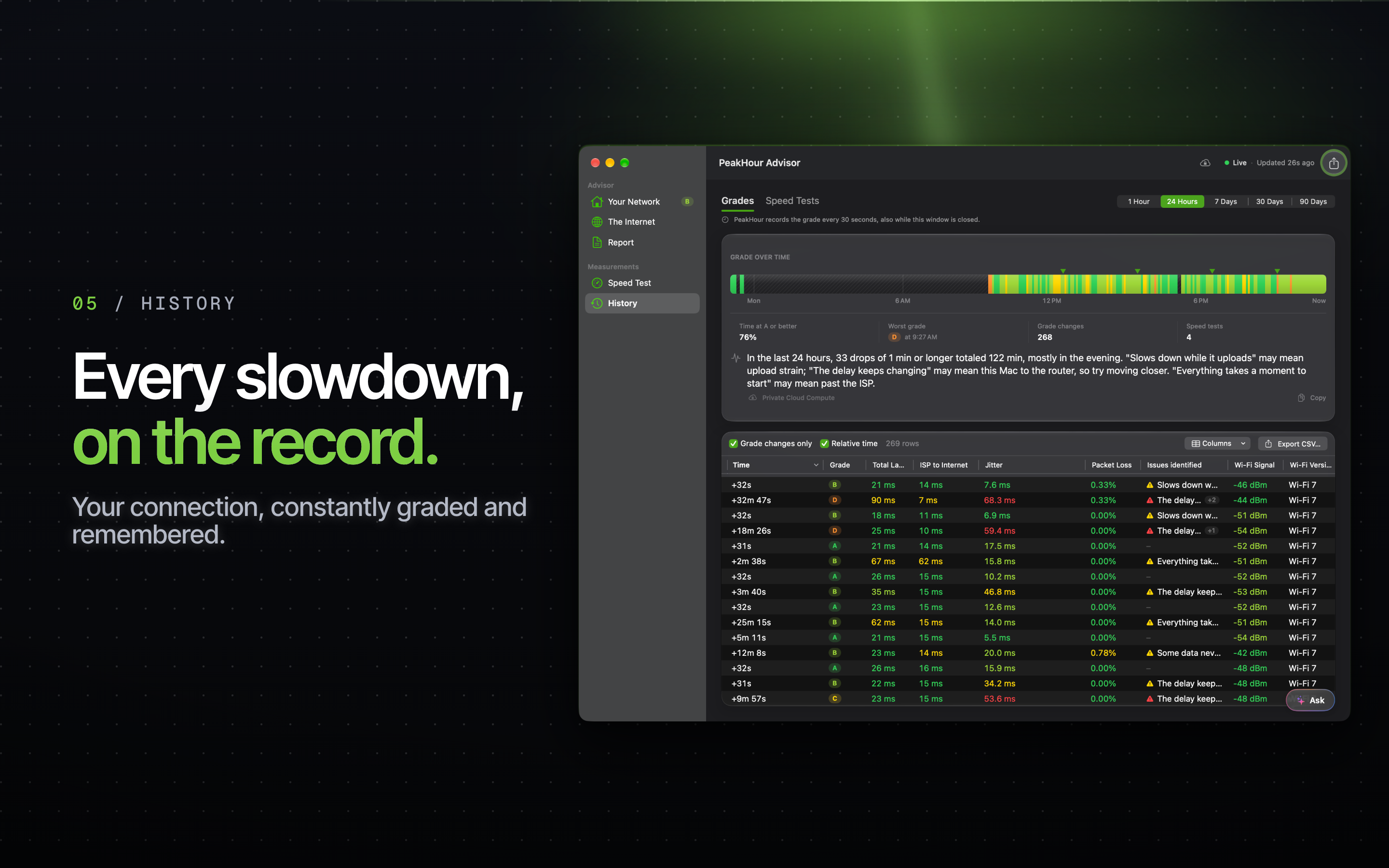
The headline feature is the PeakHour Advisor. It grades your connection, checks it for video calls, gaming, streaming and remote desktop, and explains in plain English what holds it back — latency spikes, packet loss, Wi-Fi congestion, ISP behaviour — with a help link for each issue. Since PeakHour 6.1 it has its own window on macOS 26 or later: a map with each route hop by hop, a full Speed Test page that checks the result against your internet plan, a history of grades and speed tests, and a report you can export. The Advisor writes its explanations on device by default; on macOS 27 with Apple Intelligence, you can choose Private Cloud Compute and ask it questions about your network.
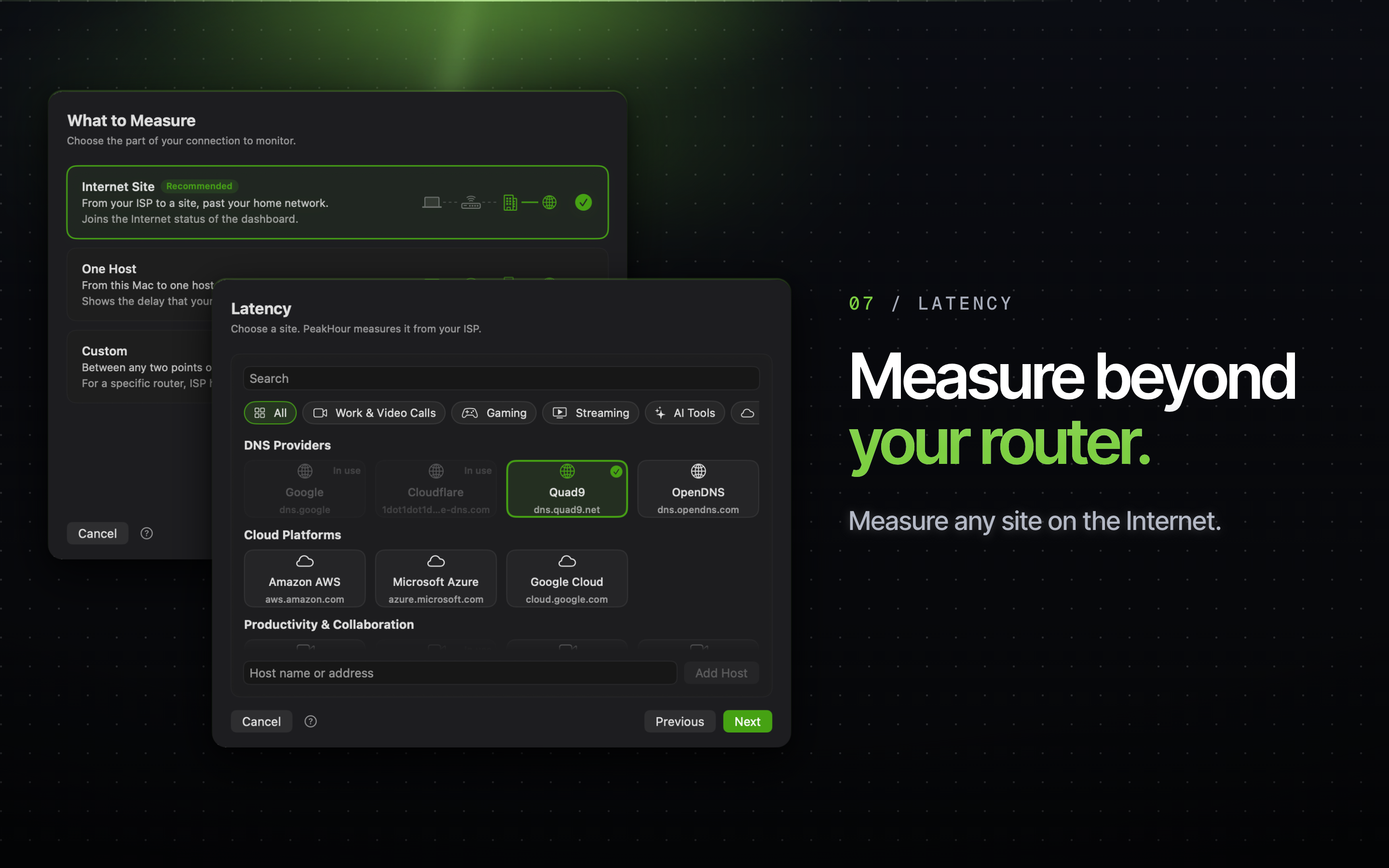
PeakHour 6.2 lets you choose the internet sites that decide your internet status: up to 10, from more than 50 popular services or any host. The dashboard names the site that has a problem, and the internet only counts as down when most of your sites fail. The main window is now one scrolling view that you arrange yourself, with an Advisor section that shows your grade over the last two hours, a new Wi-Fi Signal monitor, a speed test on the dashboard, and much lower CPU use.
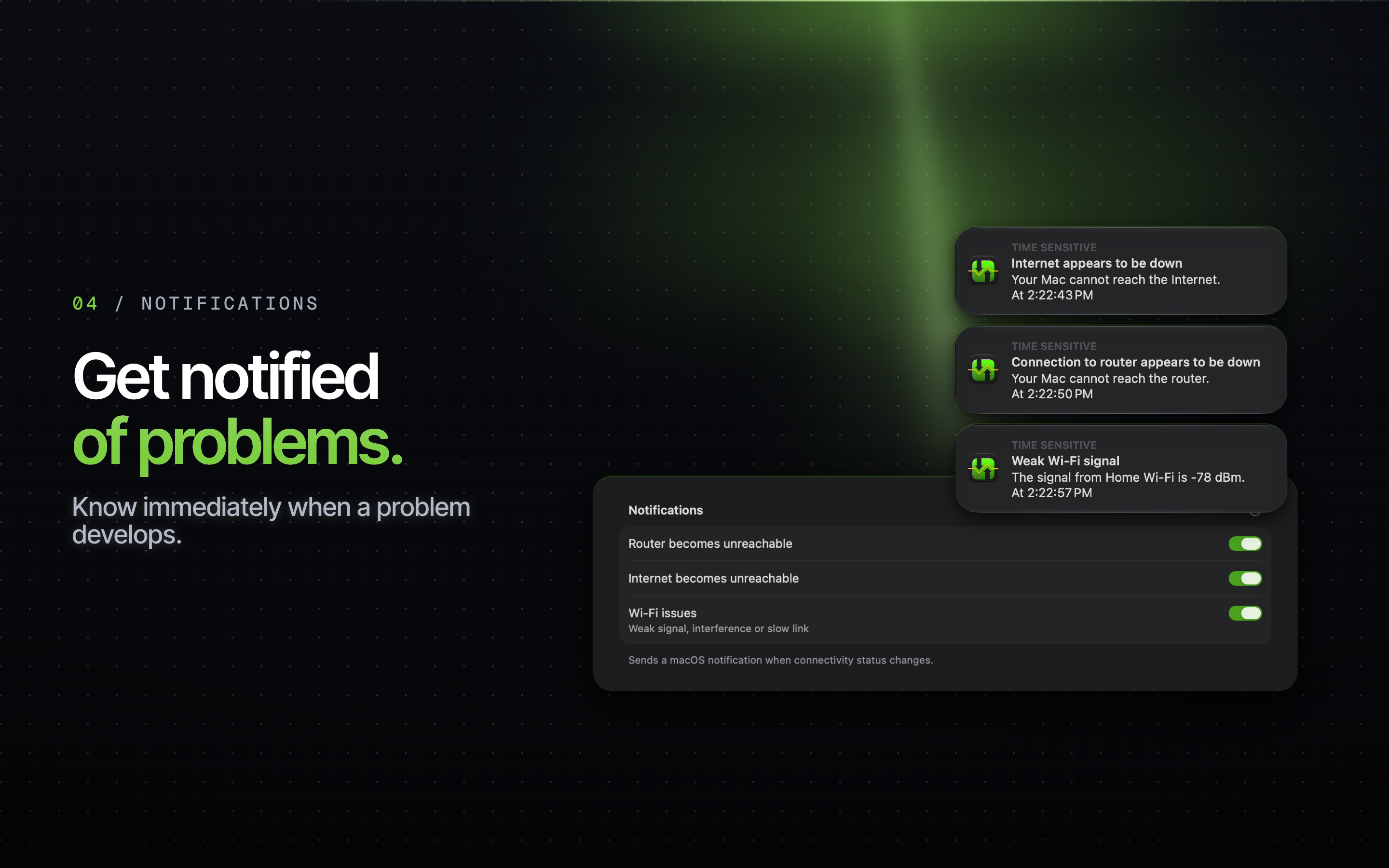
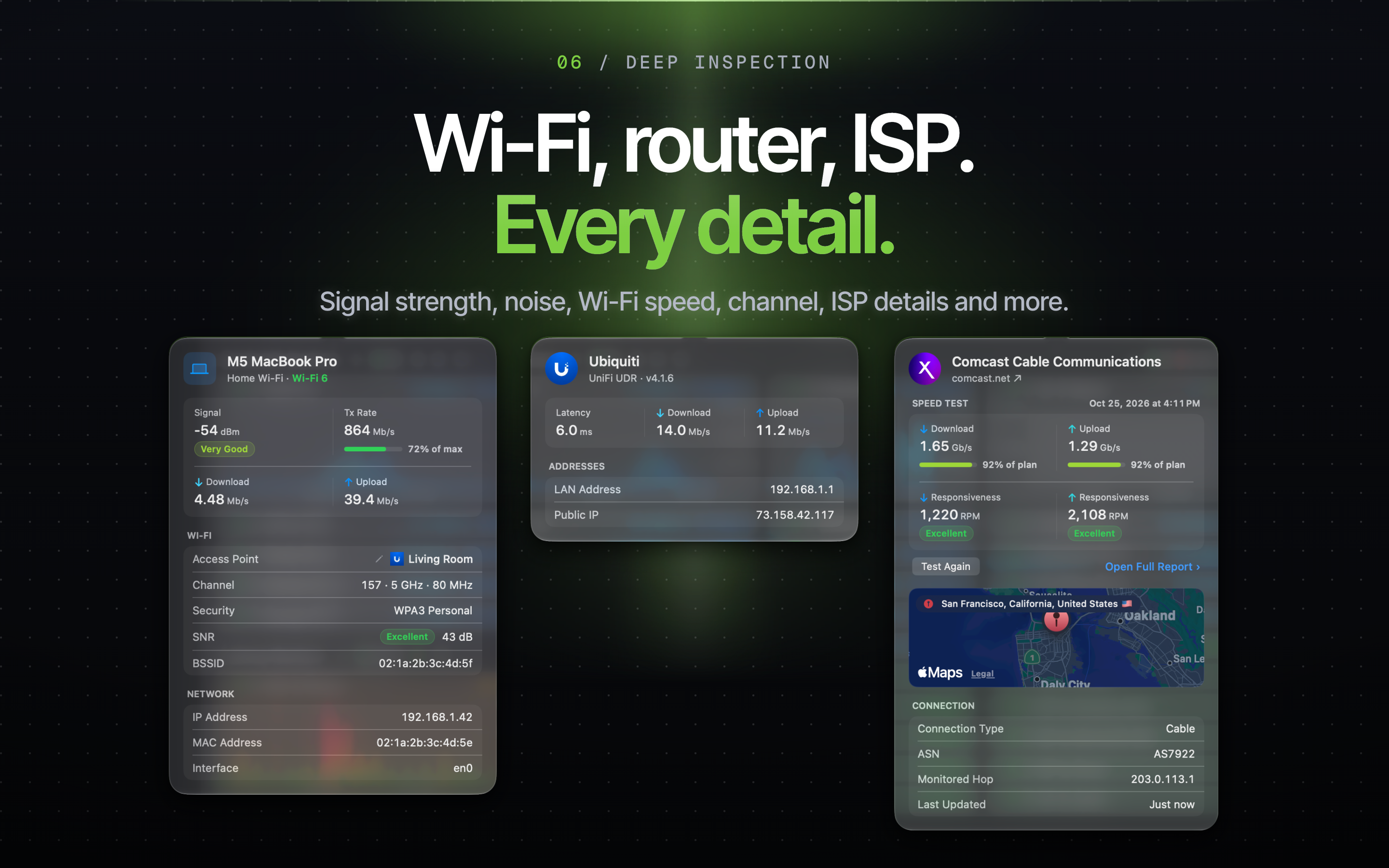
Wi-Fi Intelligence breaks down signal, channel, and speed, and can alert you when your Wi-Fi turns weak or slow; Router & ISP Details surface the upstream environment most utilities ignore; and rich History views make outages, slowdowns, and data usage easy to pinpoint after the fact.
PeakHour 6 requires macOS 14.6 Sonoma or later and runs natively on Apple Silicon and Intel Macs. It is available exclusively on the Mac App Store as a free download with a trial; ongoing use is $19.99/year or a one-time $59.99 lifetime license, with discounted upgrade pricing for existing PeakHour 4 customers.

Feature screenshots
The App Store set with marketing treatment, at 2880×1800. Click an image for the full-resolution PNG, or get them all in the press kit download.



App screenshots
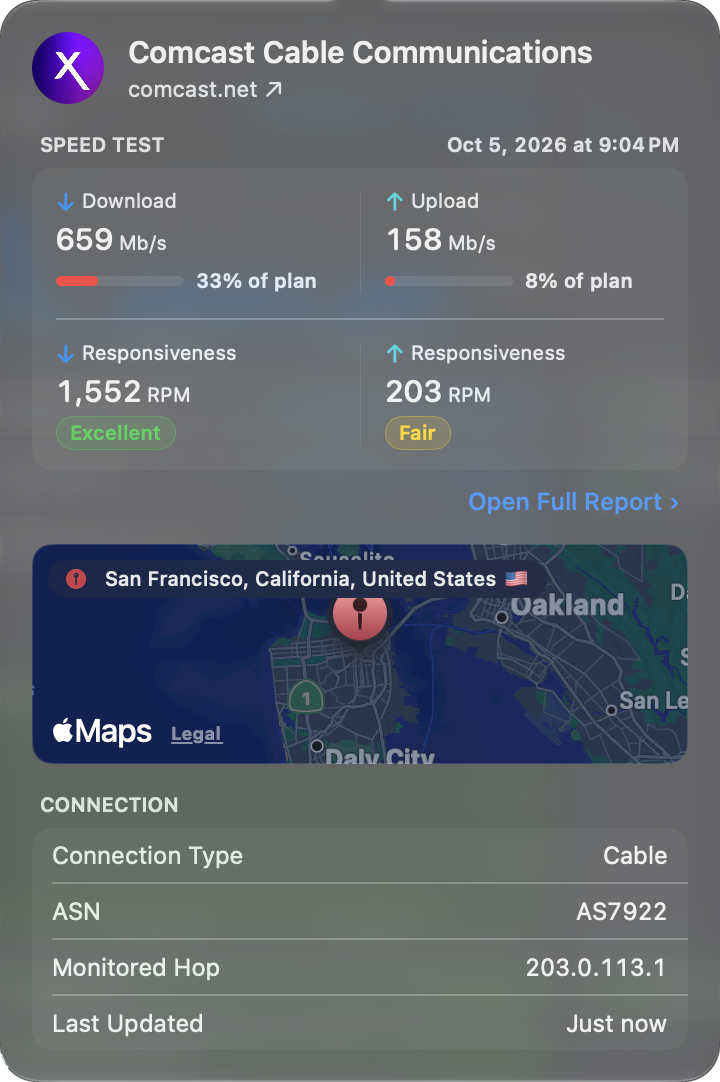
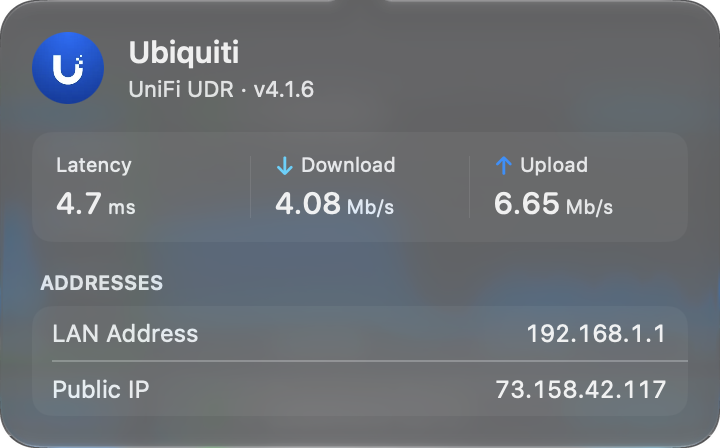
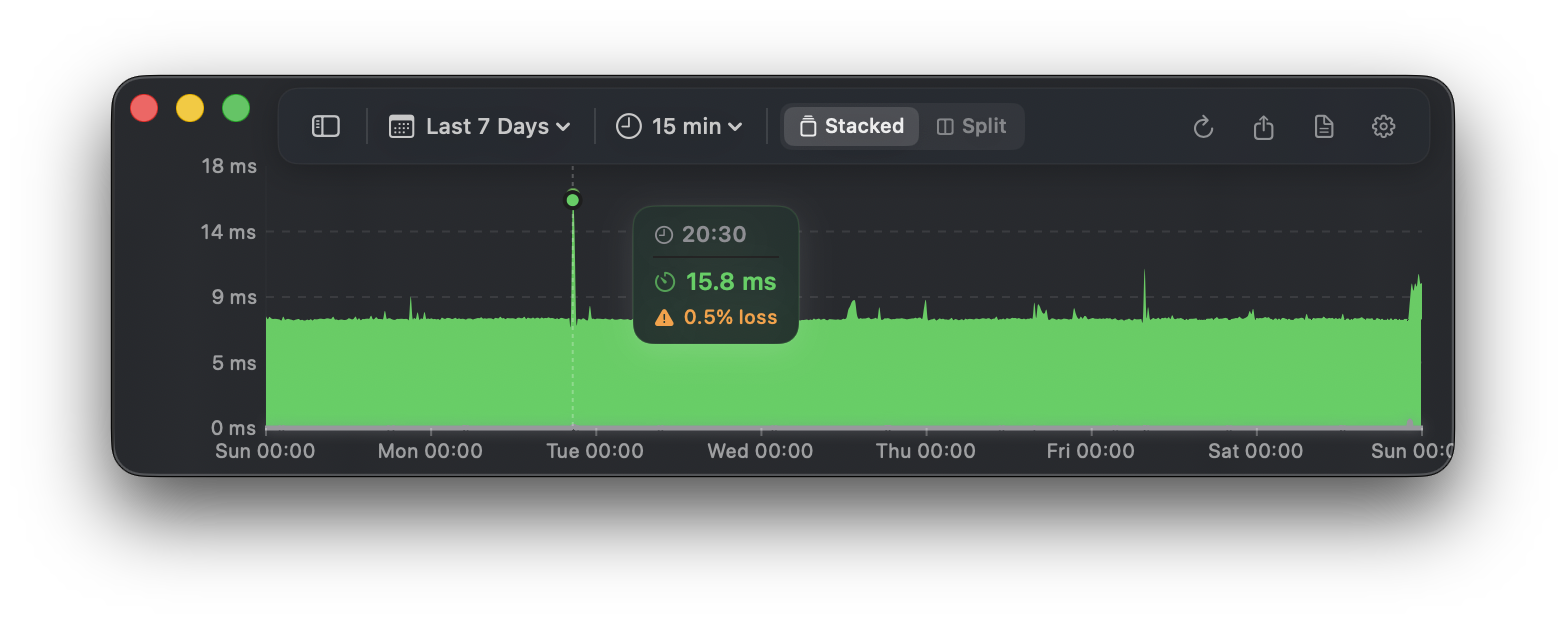
Plain captures of the app with no marketing text, for reviews and walkthroughs. Each one is a PNG at the size it was captured.








Founder

Edward Lawford
Founder, Digitician Inc.
Edward Lawford is the founder of Digitician Inc. and the developer of PeakHour. A lifelong Mac developer with a background in networking, he has spent the better part of a decade making professional-grade network diagnostics understandable for everyone. He lives and works in New York.
Press contact
Review copies, interviews, additional assets, or anything else — we typically reply within a business day.
press@peakhourapp.com